Knowitwhenyouneedto
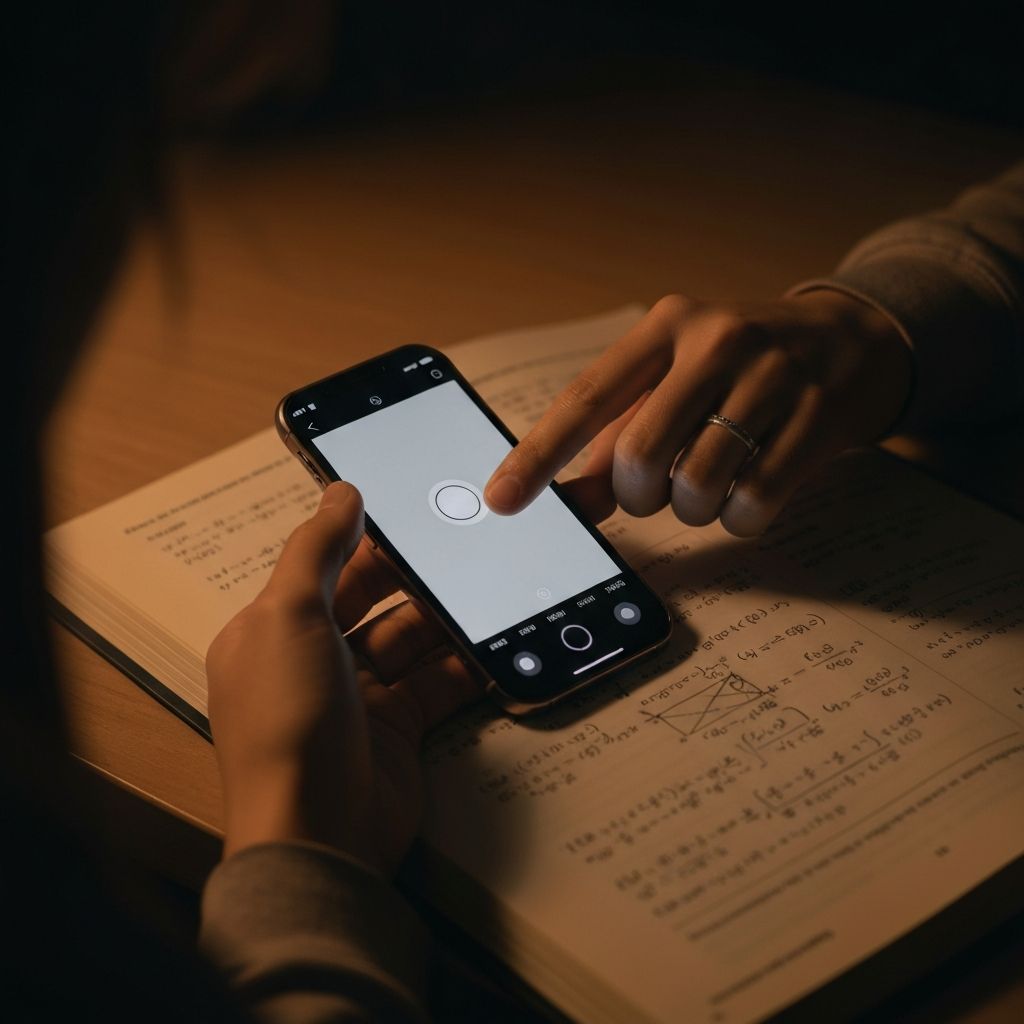
Point a camera at anything. Our AI processes the image in real time and displays the result on a paired device. One phone captures. The other sees.
IntroducingChitz
The AI vision app built around real-time image processing and dual-device synchronization. No typing. No manual sharing. One device captures, AI processes, the paired device displays — and both can control each other's view.
Trusted by teams, creators, and early adopters
AIResponsesShouldn'tStayTrappedonOneScreen
You're capturing something important. The AI response is ready. But the person next to you — or across the room — can't see it on your tiny screen. Passing a phone back and forth breaks the flow. Chitz pairs two devices so the response lives where it needs to, and both users stay in control.
BuiltAroundAIVisionandSharedScreens
Camera-First Interface
A beautiful, minimal camera interface designed for speed. Open the app and you're ready to capture in under a second.
AI Vision Processing
State-of-the-art vision AI reads your image and returns a structured, detailed response — text, steps, or analysis — in seconds.
Dual-Device Pairing
Pair two phones running Chitz. Capture on one, display on the other. The response appears on both screens simultaneously.
Remote View Control
Either paired phone can swipe to navigate the AI response on the other screen. Full remote control — no need to touch the other device.
Works on Anything
Documents, diagrams, physical objects, whiteboards, handwriting. If it can be photographed, our vision AI can process it.
Session History
Every capture and AI response is saved automatically. Build a searchable archive of everything you've processed.
WhatPeopleAreSayingAboutChitz.
The remote view control is what sold me. I capture on my phone and my colleague reads and navigates the AI response on theirs — without touching it. We use it every day in the field.
The dual-device pairing is genuinely impressive. One phone captures, the other displays — and you can swipe on either to navigate the response. The latency is almost nothing.
I photograph complex diagrams and Chitz breaks them down in detail. No other app comes close to understanding handwritten annotations and physical documents like this.
Paypersession.nosubscriptions,nolimits.
Every new account starts with 3 free sessions — solo or with a paired device. Capture unlimited images, get AI vision responses, and explore everything Chitz can do within a 4-hour window.
Every session includes
- Solo or with a paired device
- Unlimited captures & messages
- AI vision responses
- 4-hour session window
Sessions are purchased directly inside the Chitz iOS app via in-app purchase.
One-time purchases — sessions never expire.
CommonQuestions
Everything you need to know about Chitz — from how the AI vision works to device pairing, remote control, and pricing. Still have questions? Reach out to us anytime.
AIvisioninyourpocket.Sharedinrealtime.
Download Chitz and experience real-time AI image processing with dual-device synchronization. Capture, process, and share — together.
Get the App